Contents
How much does Revit plugin development cost? There is no fixed number, and any quote handed over before someone has seen your actual workflow is a guess wearing a number. Four things set the price: how complex the workflow being replaced is, whether the plugin has to talk to another system, how many people will use it every day, and how many Revit versions it has to survive.
A plugin that renames sheets inside one template is a different job from one that pulls live data out of Autodesk Construction Cloud into a management dashboard. Both are "a plugin." Only one of them is a short project.
One of our own tools replaced a process that took about 2 weeks, sometimes closer to 1 month, with roughly 10 minutes and a button. Nobody at handover sees the 2 weeks. They see the button, and the button is what gets compared to the price. A simple interface is compressed history, not a lack of depth. Judging what a tool should cost by how little it asks of the user is exactly backwards.

What actually sets the price

Start with the logic. A script that runs one repetitive calculation on the open model is simpler than a tool that reads geometry across several families, decides something, and writes the answer back into the right parameters. Most build hours go into that decision layer, not into the window the user clicks.
Then integration. A plugin that only ever touches the open Revit file never costs what one costs that also talks to BIM 360, an ERP or an outside database. Every external connection brings its own authentication, its own failure modes and its own maintenance.
Then users. A tool built for one modeller's own workflow can skip edge cases that a tool rolled out to a twenty-person office cannot skip. More people means more projects, more templates, and more ways for an input to arrive wrong. The fourth factor, Revit versions, gets its own section below.
Three shapes of plugin work, three budgets

This is not a price list. It's a way to see which shape your project is closer to before anyone quotes it. Three shapes come up more than the rest:
- A single-purpose utility: one specific, repeatable task inside Revit, such as batch-renaming views or placing tags by rule. Usually the fastest to build and test.
- A tool with multi-step logic: several project types, several edge cases, a real interface, and testing against live projects rather than one sample file.
- A system with integrations: runs partly or wholly outside Revit, moves data between systems, and needs error reporting that someone will actually read.
Which Revit workflows are worth paying to automate
The good candidates have three things in common. The rule already exists in your standard. The task repeats on every project. And a mistake in it is expensive to find later. Work that needs fresh judgment every time is a poor candidate, however tedious it feels.
The second and third items below are the two tools shown running on our custom Revit plugin development page. The ETABS one reports what it built and what it could not, element by element, as it goes. A converter that fails silently costs more in checking than it ever saves in modelling.
- Sheet and view setup: creating, numbering and renaming sheets and views from a list the office already keeps in Excel.
- CAD to Revit conversion: building native walls, floors, levels and openings from a coordinated CAD set instead of tracing linework by hand.
- Structural model import: turning an ETABS export into a native Revit frame, with a report of every member that did not convert.
- Model checks: running the office's naming, parameter and view-template rules as a test instead of a checklist someone has to read.
- Schedules and quantities out: pushing schedule data to Excel in the format the cost team actually uses.
Dynamo script, API add-in or APS: where the money goes

If the workflow can already be wired together with nodes, a Dynamo script is the cheapest route. It runs inside Revit, needs no installer, and your own team can open it and change it. A macro sits in the same bracket but lives inside one file or one machine, which makes it hard to share.
A Revit API add-in is compiled C#/.NET code with its own interface and its own installer. It is worth building when the workflow needs a real UI, access the Dynamo nodes do not expose, or distribution across a team that should not have to open a graph to use it.
Autodesk Platform Services, formerly Forge, makes sense when the automation has to run without anyone opening Revit, or across more files than a desktop can handle. Autodesk's own cost guide for the Design Automation API puts Revit processing at 6 Cloud Credits per hour. Worth knowing before assuming the cloud option is automatically the expensive one.
The cost after delivery: every Revit release
Revit ships a new version every year, and an add-in compiled against one version is not guaranteed to load in the next. Most years the changes are small.
Some years they are not. Revit 2025 moved its API from .NET Framework 4.8 to .NET 8, and add-ins built for Revit 2024 and earlier had to be recompiled, and in places rewritten, before they would load. An office running two or three Revit versions at once needs a plugin built for all of them. That is a decision for the start of the project, not for the morning after the first upgrade breaks it.
So ask two things before any quote: which versions the tool must support, and who updates it when the next one ships. If nobody can answer the second, the price you are comparing is the price of a tool with a shelf life.
Code ownership belongs in the same conversation. If the source and the build instructions are handed over, any competent developer can do the yearly update. If they are not, you are paying the original developer for it, whether you planned to or not.
When a plugin pays for itself

The payback maths is not complicated. Multiply the hours spent each week on the manual task by the number of people who do it, and weigh that against how long the tool will stay in use. A task one person does once a month rarely justifies a custom plugin. A task several people do every week usually does.
Where the maths goes wrong is the baseline. People weigh the price against the 10 minutes the finished tool takes to run, instead of the 2 weeks it replaced. The number that matters is the gap between the two.
The other mistake is counting only time. A manual step that introduces errors also costs the hours spent finding and fixing them later, at coordination or on site.
When a paid plugin beats a custom one

If an add-in already on the Autodesk App Store solves the actual problem, buy that one. We say so before any sales call, not after. Custom development earns its cost when the workflow is specific enough to your office's standard that nothing on the market fits it, not just because a task is repetitive.
A good commercial add-in is also carrying costs you would otherwise carry yourself: support, integrations built for a small audience, and the yearly update for the new Revit release. Compare a custom quote against a tool that has already priced those in.
Most quick estimates happen the same way. Someone describes the process on a call, in less time than a large Revit model takes to open. An estimate built from a description is never more accurate than the description. If you need a number you can defend, start from a review of real files instead.
How to scope your first plugin project
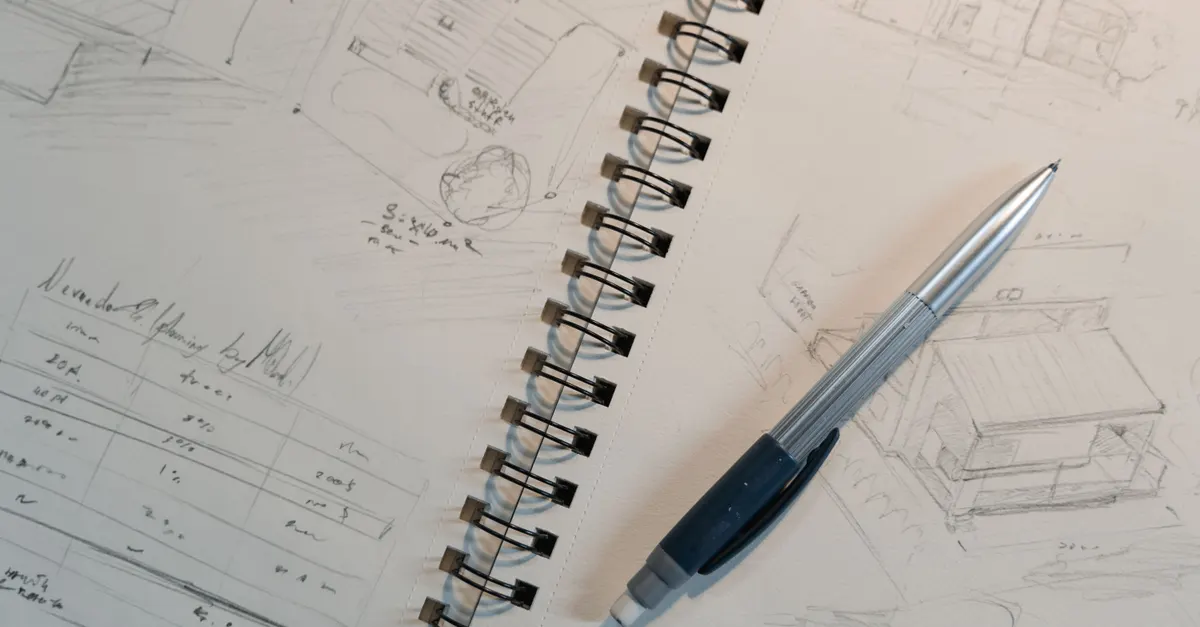
An accurate estimate comes from seeing the real process, not a summary of it. Four things need to be ready first:
- A step-by-step description of the current manual process, including where it goes wrong.
- One or two real project files the tool will actually run on.
- Who will use the finished tool, and on which Revit versions.
- Whether the tool stays inside Revit or has to exchange data with another system.
What a good quote should spell out
Once the process has been seen, a quote you can hold someone to names more than a total. If any of these are missing, the number is still a guess, just a better-dressed one:
- The steps the tool performs, in the order it performs them, and what it does when an input is wrong.
- The Revit versions it supports, and what happens when the next one ships.
- What is excluded, stated as plainly as what is included.
- How it is tested: on your files, against cases agreed before the build starts.
- What you receive at handover: the installer, the source code and the instructions to build it.
A quote that covers these reads longer than one line with a price on it. It is also the only kind that tells you what the price is for.
Conclusion
The answer to this question is never a single number. It's a frame for reading one. Logic, integration, users and the years the tool has to keep working are what build the cost. The button the user sees at the end is not on that list.
FAQ
How much does Revit plugin development actually cost?
There is no fixed figure. The price is set by workflow complexity, integrations, the number of users and the Revit versions the tool must support, not by the fact that it is "a plugin." A single-purpose utility and a system pulling live data into a dashboard are two different projects.
How long does Revit plugin development take?
A single-purpose utility is the fastest to build. A tool that covers several project types or has to be tested on live projects takes longer, and anything with external integrations takes longer again. The honest answer comes back to the same factors that set the cost.
What is the difference between a Dynamo script and a Revit API add-in?
A Dynamo script runs inside Dynamo and Revit, and it is the faster, cheaper route when the workflow can be wired together with nodes. A Revit API add-in is compiled code with its own interface and installer, worth building when you need a real UI, deeper access or distribution across a whole team.
When does Autodesk Platform Services make sense over a desktop add-in?
When the automation has to run without anyone opening Revit, or across more files than a desktop can handle. Autodesk bills its Design Automation API by processing time in Cloud Credits, not a flat fee.
Do Revit updates add to the cost?
They can. Revit ships a new version every year, and Revit 2025 moved its API to .NET 8, so older add-ins had to be recompiled before they would load. Agree up front which versions the tool supports and who updates it.
Is buying an existing plugin cheaper than building one?
Often, yes, and we say so up front. If an add-in already on the Autodesk App Store solves the problem, buy that one. Custom development earns its cost when your workflow is specific enough to your office's standard that nothing on the market fits.
What should we have ready before asking for a quote?
A step-by-step description of the current manual process, one or two real project files, and a clear answer on who will use the tool and on which Revit versions. A vague description of the end goal, without a look at the real workflow, is what turns quotes into guesses.
Does the number of people using the plugin change the cost?
Yes. A tool built for one modeller's own workflow can skip a lot of error handling and interface polish that a tool rolled out across a twenty-person office cannot. More users means more edge cases the plugin has to handle without breaking.