Contents
A management dashboard for construction companies is one screen showing the few numbers managers decide on: cost against budget, progress against programme, cash, approvals waiting, site safety. Those numbers are pulled automatically from the systems where the work is recorded. The value isn't the charts. It's that nobody assembles the figures by hand before the Monday meeting, and that everyone looking at them trusts them.
The second part is harder than it sounds.
In high school, the founder sat a final exam that wasn't a normal programming test. It was a debugging test: broken code, find the mistakes, graded out of 20. The class high was 18. The founder's score was 23.5 out of a possible 24. The one deduction was a spelling mistake, not a logic error. The most dangerous bugs aren't the complicated ones. Dashboards fail the same way. Rarely the chart library, rarely the database. Usually a status recorded as "On hold" in one sheet and "Hold" in another.
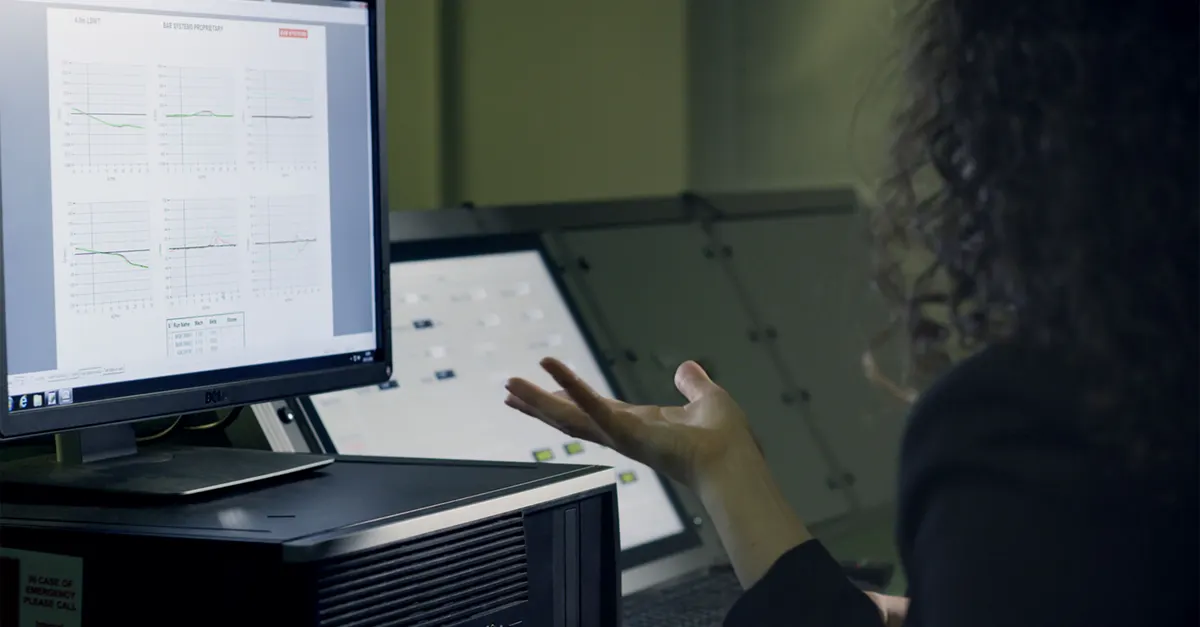
What a management dashboard is, and what it isn't
A report gets read. A dashboard gets checked, over and over. A monthly report explains a situation; a dashboard has to show in seconds where attention is needed. Construction companies usually need three levels, each with its own audience and time horizon:
- Director level: every project on one screen, to decide which one needs management attention this week.
- Project level: the construction project dashboard, with cost, programme, documents and risks for one project, for that project's manager.
- Operations level: today and this week, such as requests awaiting approval, documents not yet issued, and daily site reports.
Operational dashboard development usually starts at the third level, because that's where data is produced every day. The director's screen rests on the same data. Without it, the director's screen is a summary of numbers someone typed in.
Start with the decisions, not a list of KPIs
Most dashboards start from a list of KPIs and end up as a screen full of numbers that makes no decision faster. Work the other way round: write down the decisions managers make on a regular basis, then the number each one depends on.
A few decisions that come up in almost every construction company:
- Which project needs a director on site this week?
- Can we take on the next tender with the staff we have?
- Which invoices should be chased first?
- Which approvals are holding up work on site?
For each decision, name three things: the number that supports it, the threshold at which someone acts, and the person who decides. Stanford's CIFE, working from CII's database of performance indicators from 1000 projects, proposed a set of 18 key performance indicators for the industry. Eighteen is a research set for a whole industry. A company's first dashboard needs the handful its managers actually act on.
The construction KPIs managers usually need
Once the decisions are written down, the numbers tend to fall into these groups:
- Cost: committed and actual cost against budget, variations and approved changes.
- Programme: planned against actual progress, and milestones at risk.
- Cash: invoices issued, payments received, amounts overdue.
- People: staff allocation across projects and each team's workload.
- Document control: open RFIs, submittals awaiting approval, drawings issued late.
- Safety and quality: recorded incidents and open non-conformances.
Most of these are lagging numbers: they report what already happened. A few are leading. Submittals awaiting approval today predict a delay on site next month; an RFI open past its due date predicts a variation. Put at least one leading number on every screen, because it's the only kind a manager can still do something about.
Engineering and design offices differ from contractors, and generic guides rarely say so. For a design office, the number that matters most is usually hours spent against the fee for each stage, followed by deliverables issued on schedule. A dashboard designed for a contractor shows neither.
Where the numbers actually come from

This is where most dashboard projects run into trouble, not at the chart design. In a construction company, the data is usually scattered across these places:
- Accounting software: costs, invoices, receipts.
- Timesheets: hours per person per project.
- Planning software: MSP or Primavera files holding the programme and progress.
- Excel trackers, each kept by one person.
- Document control: transmittals, RFIs, approval status.
- Site reports: daily reports on paper, in a messaging app, or in a form.
- BIM models: quantities and schedules extracted from Revit models.
A study by Autodesk and FMI, surveying over 3,900 construction professionals, estimated that bad data, meaning data that is inaccurate, incomplete, inaccessible, inconsistent or untimely, may have cost the global construction industry $1.85 trillion in 2020. In the same study, 30% of respondents said more than half of their project data was bad.
Give every number on the dashboard one source of truth and one owner, and decide how it's read: through an API, from a scheduled export, or from a form that replaces the Excel file. That's the groundwork described in where AEC workflow automation should start, and it comes before any dashboard.
One wrong number and nobody trusts the rest
A dashboard showing 104% progress on a project still pouring foundations gets one meeting's worth of attention. After that it's a screensaver.
Trust is built from details that look minor at first:
- A written definition for every KPI: "progress" can mean hours spent, deliverables issued or physical progress. Pick one and show it next to the number.
- A fixed status vocabulary: a dropdown instead of free text, so "On hold" and "Hold" can't become two statuses.
- Consistent dates and units: one calendar, one date format, one currency across every source.
- A last-updated time beside each figure, so it's clear whether a number is from today or last month.
- A path back to the source: every number opens the rows it was calculated from.
The last one matters most. When a manager doubts a number and can see its source, either the number is confirmed or the error in the source is found and fixed. Without that, the argument moves to the next meeting and someone opens their own spreadsheet again.
How fresh the numbers need to be
"Real-time" is one of the most common dashboard requests, and it isn't always needed. Each number should refresh as often as the decision that depends on it. Pending approvals and site reports are worth updating daily or live. Project cost is usually reviewed weekly or monthly, and a live feed of it changes no decision.
Every step towards live data has an integration cost. A real-time connection to the accounting system can take real development work, while a nightly export gives the weekly meeting exactly the same result.
Right-to-left, the Jalali calendar and Persian digits
Most off-the-shelf business intelligence tools are built for left-to-right languages and the Gregorian calendar. For an Iranian company that's not cosmetic. It affects whether the numbers are right:
- The Jalali financial year: monthly and annual figures have to group by Jalali months and a financial year starting in Farvardin, not by Gregorian months.
- The working week starts on Saturday, and weekly figures have to respect that boundary.
- Right-to-left layout: tables, chart axes and column order designed right-to-left from the start, not a mirrored left-to-right version.
- Digits and mixed names: Persian digits on screen, and project names that mix Persian and Latin without the words jumping around.
The office automation page shows one internal dashboard built twice, once for a Persian-speaking office on the Jalali calendar and once for an English-speaking studio. The structure carries across. The phases, statuses and naming of each office don't.
Excel, Power BI, or custom business dashboard development
The tool comes after the decisions and the sources, and each option has its place:
- An Excel template is enough for a small company with a few projects and one person keeping the data.
- Power BI or Looker Studio fits when the data already sits in systems those tools connect to, and their limits on right-to-left and the Jalali calendar are acceptable.
- The built-in dashboard of your project management software: if every number is already recorded in one project management system, use its dashboard. You don't need us, or anyone like us, for that.
- A custom dashboard earns its cost when data is scattered across in-house tools, right-to-left and Jalali are required, permissions differ by project, or staff need to record statuses in the dashboard rather than only look at it.
That last condition usually decides it. A dashboard that only displays depends on data entered somewhere else. A dashboard where statuses are also recorded becomes the source of truth for that data, and a spreadsheet and a manual step disappear with it.
Build it in stages
A dashboard delivered with every screen at once usually gets dropped at the first wrong number. A better order:
- One decision and one screen, for the manager who makes that decision.
- Connect the sources for those numbers, each with a written definition and an owner.
- Run it alongside the current manual report for a few weeks and compare the figures.
- Retire the manual report once the numbers have matched for several weeks in a row.
- Add the next screen for the next decision.
The third step matters more than it looks. Every difference between the dashboard and the manual report exposes either a dashboard error or an error that has sat in the manual report for years. Both findings are worth having, and both turn up before anyone makes a decision from the dashboard.
Use the dashboard in the meeting where the numbers are discussed. If that meeting still runs off a spreadsheet, the dashboard hasn't replaced it yet.
Who keeps it right after launch
A dashboard is correct on the day it ships. Then a new type of project arrives with phases the old ones didn't have, the accounting system gets a new cost code, and one site team starts sending its daily report in a different format. None of that breaks the dashboard visibly. The numbers just drift away from reality.
Three roles keep it honest:
- Data owners: one person per source, told when their numbers look wrong and responsible for fixing them at the source, not on the dashboard.
- A dashboard owner: someone inside the company who decides what gets added, what gets retired and which definitions change.
- Whoever built it: for changes that need code, such as a new source system or a new permission rule.
Keep a short change log next to the KPI definitions. When a director asks why a number moved between two meetings, the answer should be a line in that log, not an afternoon of detective work. And retire any screen nobody has opened in a month. A dashboard with fewer screens that are all trusted beats one with many that are half-believed.
Conclusion
A management dashboard for construction companies is mostly a data project with a chart on top: decisions, sources, definitions, owners, and a way to trace every number back to where it came from. It's only as trustworthy as its worst number, and that number is usually wrong because of a small detail, not a hard problem.
FAQ
What is a management dashboard for a construction company?
A screen that reads the few numbers management decisions depend on, such as cost against budget, progress against programme, cash and pending approvals, automatically from the company's systems, and shows them in one place.
What KPIs should a construction project dashboard track?
The ones managers' regular decisions depend on. Usually cost, programme, cash, people, document control and safety. A short list with clear definitions beats a complete one.
What's the difference between a project dashboard and a management dashboard?
A project dashboard shows one project in detail for that project's manager. A management dashboard shows every project on one screen, so directors can see which one needs attention.
Can we build a construction dashboard in Excel or Power BI?
Yes. Excel is enough for small companies, and Power BI fits when the data sits in systems it connects to and its limits on right-to-left and the Jalali calendar are acceptable.
Does a construction dashboard need to be real-time?
Only for numbers behind daily decisions, such as pending approvals. Cost and progress are usually reviewed weekly, and a nightly refresh is enough for them.
Can a dashboard work in Persian with the Jalali calendar?
Yes, if it's designed for it from the start: grouping by Jalali months, a week starting on Saturday, right-to-left layout and Persian digits. Mirroring a left-to-right dashboard doesn't meet those needs.
When is custom dashboard development not worth it?
When every number is already recorded in one project management system and its built-in dashboard covers what managers need. Use that one.